


Obby: Build a Car Farm is a free
3D Fine Games that you can play at FreeGamesMart.com. It has
been played
5 times.
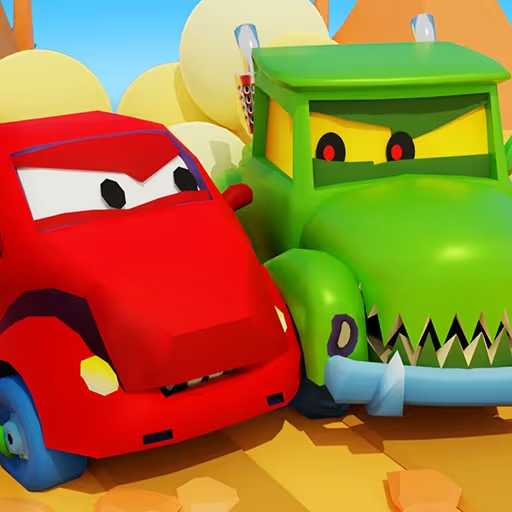
Step onto a vibrant tropical island in Obby: Build a Car Farm, an innovative idle tycoon experience where strategic car merging meets active world exploration. Designed for fans of collection and management games, this title delivers a satisfying progression loop from your very first vehicle to a thriving automotive hub.
Your primary goal involves upgrading your production fleet by matching three identical vehicles to unlock the next level up. As your automotive collection flourishes, your vehicles continuously output valuable parts. Transport these parts to the service center deposit pad to collect in-game cash, which can then be spent on speeding up part sales, extending farm capacity, and unlocking cute companion pets.
Taking a break from factory management is actively rewarded in Obby: Build a Car Farm. Players can head to the central island to test their platforming skill on the obstacle course, earning a 2x bonus on carried parts upon completion. With daily login rewards, continuous vehicle upgrades across 30 tiers, and competitive leaderboards, there is always a new milestone to reach.
If you like this game and want to play similar cool free games, just go to the
3D Fine Games, Others Fine Games category.
Ready to build your automotive empire? Here are the essential controls for playing Obby: Build a Car Farm across desktop and mobile devices:
Desktop Setup:

18

33

36
35

52

70

63

72

64
69

48

58

48
56
60

77
65
110
93
72

153

105

89

84